
How it works
From snap to scheduled.
Seven steps, most of them one tap.
Snap and style
Step 1Take or pick a photo
Shoot the product where it sits, or choose one from your camera roll. Add it to your Shelf if you want to reuse it.
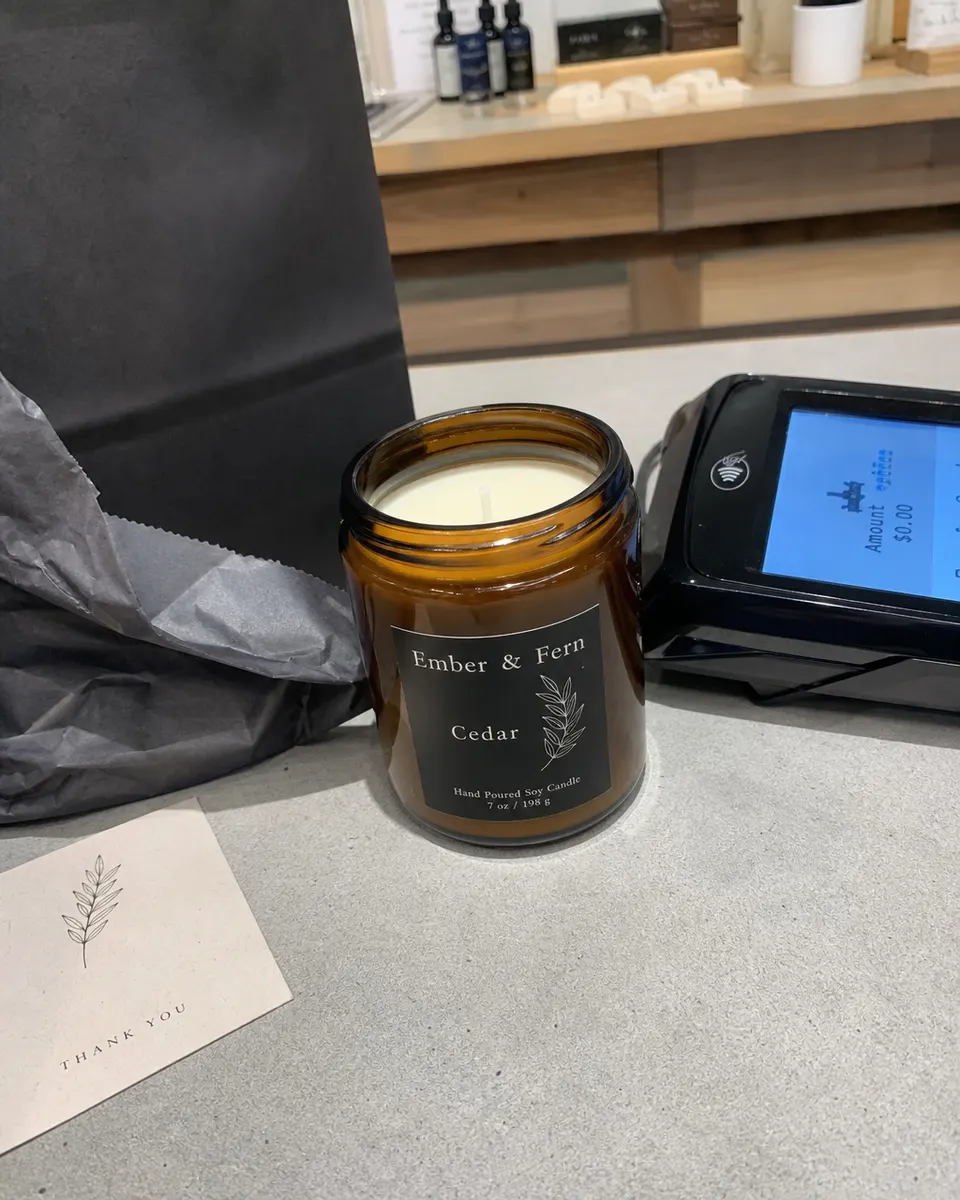 My photo
- Step 2
Choose a style
Pick Studio, Lifestyle, Premium shelf or Seasonal. The scenes are made for your type of shop.
 Studio
 Lifestyle
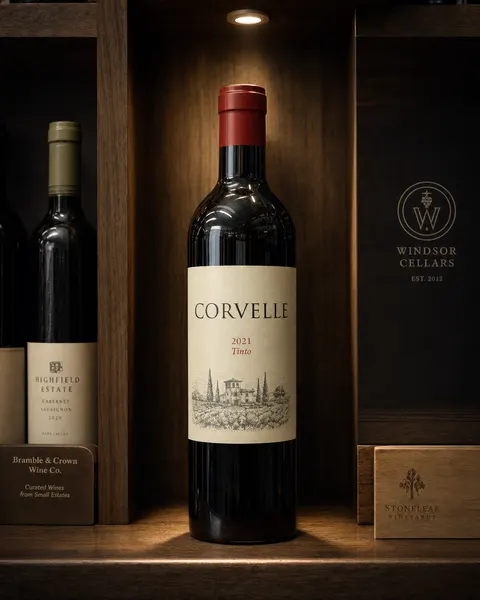 Premium shelf
 Seasonal
- Step 3
Make the post, the Story, or both
Tick what you want. Each image costs 1 credit. If an image can't be made, it costs nothing.
Post 4:5Story 9:16Post · 4:5 feed image1 creditStory · 9:16 image1 creditAn image that can't be made uses no credit.
Fix and caption
Step 4Fix it or redo it
Brighter, cleaner background, or a fresh take: 1 credit each. Compare with your own photo any time.
Compare with my photoBrighterCleaner backgroundRedoEach redo or fix is 1 credit for that image.
- Step 5
Rewrite the caption
Not your voice? Rewrite it. Rewrites are free. Add hashtags and a location in one place.
CaptionRewrite · freeJust landed on our shelves. Something new for the weekend. Pop in and have a look.
Location: Your shop, Main Street
Post
Step 6Post now or schedule
Post now, or pick a day and time. Post and Schedule switch on once your image is ready. A quick note reminds you to check the label, price and caption first.
Just landed on our shelves. Something new for the weekend.
Made with AI. Give the label, price and caption a quick look before you post.
SchedulePost now- Step 7
See it go live
ShelfSocial confirms when it's published. If a post doesn't go out, you'll see it in your Calendar and can try again.
New arrival on the tableMon, Oct 26 · 5:30 PMPublishedThe weekend pickFri, Oct 30 · 5:30 PMScheduled
Illustrative examples. Your results depend on your photo; the label stays as photographed.
Use cases
Five ways shops use it
- See how
Quick photo to finished post
Snap it, pick a look, post it.
- See how
New arrivals and back in stock
Make the post from your Shelf the day it lands.
- See how
A whole campaign in one sitting
Plan a week to a month of posts at once.
- See how
Holidays and opening hours
Confirm your hours and get the post and the Story reminder.
- See how
Keep the feed going all year with ready-made looks
Product spotlights, seasonal greetings, new-arrival posts.
Then keep going
One photo is a start. Two more things keep you posting.
Campaigns
Plan a week to a month at once. Pick products from your Shelf; ShelfSocial lays out the posts and Stories and makes the images in one batch.
How campaigns workHoliday hours
Confirm your hours for each holiday and get a ready-to-post hours message and a Story reminder.
How holiday hours workThe trial is 3 days with 10 image credits. See pricing.
Your shelf, posted.
Start with one photo. The trial gives you 10 image credits.
Start your 3-day free trial
Or start in your browserAdd a card to start your 3-day trial · 10 image credits · Caption rewrites are free