
For shops / Boutiques and fashion
Boutiques and fashion
New stock deserves a proper look.
A sweater on a hanger does not sell itself. Snap the piece and ShelfSocial lays it out neatly, with its colour, pattern and detail as photographed.
Start your 3-day free trial
Start in your browseriPhone app coming soonAdd a card to start your 3-day trial · 10 image credits · Caption rewrites are free
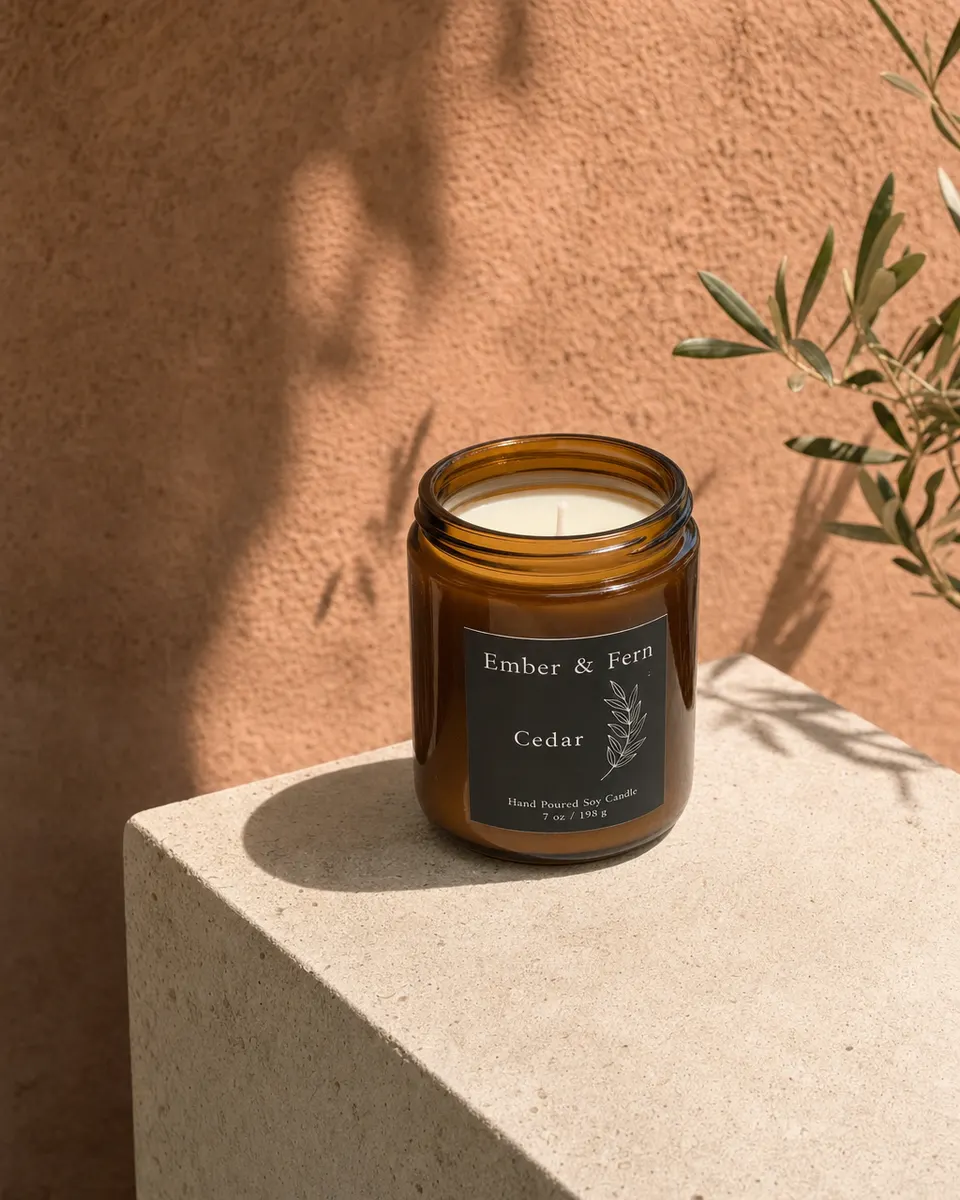 Illustrative example
What you'll post
Four post ideas for boutiques.
Ideas to start from. ShelfSocial drafts each one from your photo, and you edit anything before it goes out.
New in: the linen shirt, in two colours. Sizes S to XL are on the rail now.
- New in: first lookThe first piece out of the delivery box.
- Styled three waysOne piece, three ideas for what goes with it.
- Back in your sizeThe colours and sizes that are back on the rail.
- Sale starts FridayDates and a few pieces to look for.
Looks
Looks made for boutiques.
Four scenes picked for what you sell. Each one keeps your product front and centre.
One photo, four looks. Made-up products, styled the way the app styles yours.
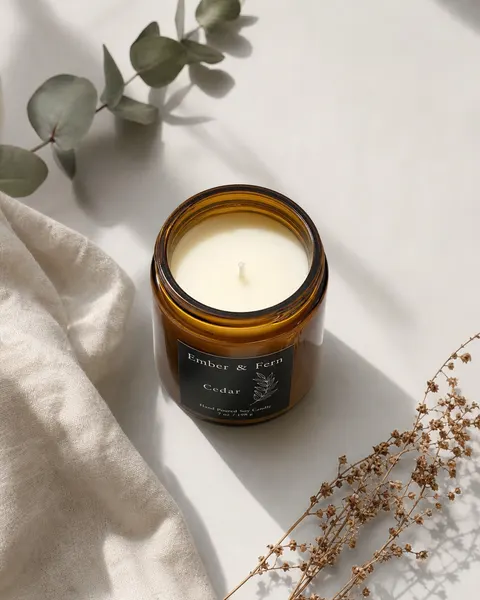 Clean
CleanFlat lay
Neat, from above, soft light
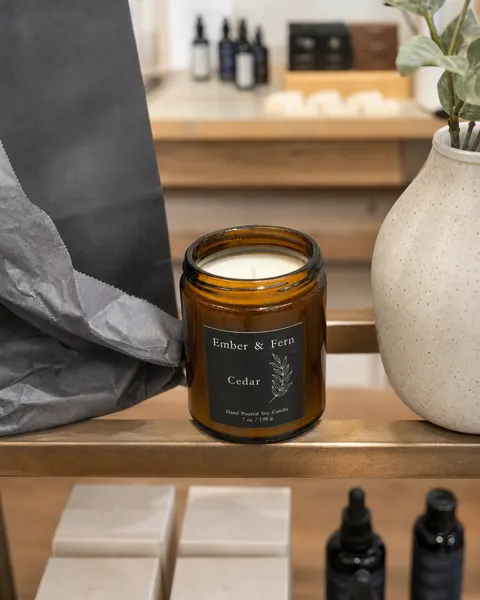 Shop
ShopBoutique rail
Shop rail, warm and inviting
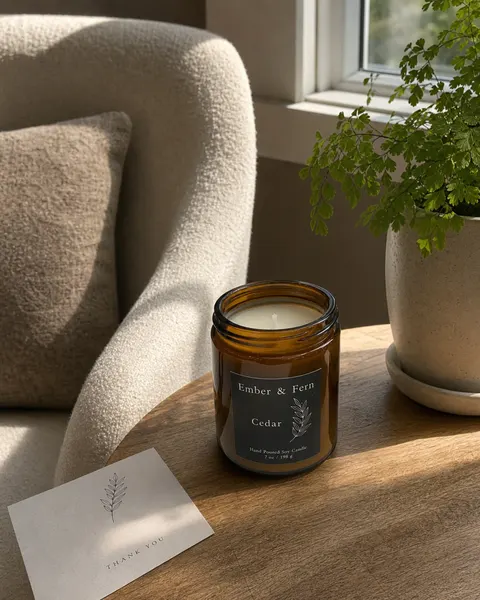 Lifestyle
Styled corner
Chair, plant, natural light
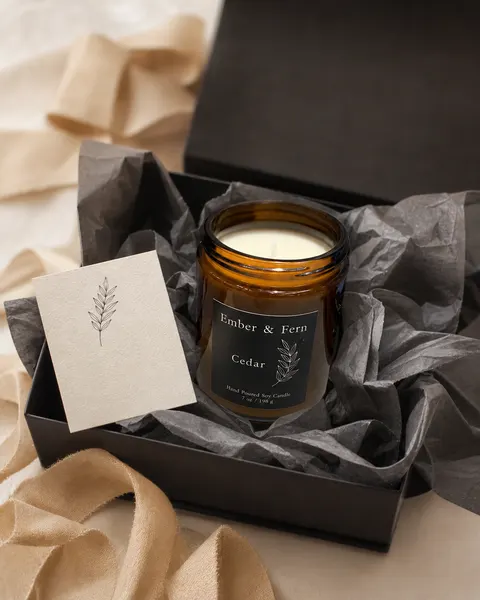 Gift
GiftGift ready
Tissue, ribbon, a small card
Words we use
Speaks boutiques.
Categories, fields and campaign types use the words of the trade. The notes field is called "Fabric and fit".
Categories on your Shelf
- Clothing
- Accessories
- Jewellery
- Shoes
- Bags
- Handmade
- Home and gifts
How the app talks
- New in
- Restock
- Sizes
- Brand or maker
- Fabric and fit
- Gift ready
Campaign types
- Product spotlightFeature one piece at a time
- New inShow off the new drop
- Back in stockSizes and colours that are back
- Styling ideasHow to wear it, what to pair it with
- Sale or eventNeeds a date and time from you
Holidays
Days boutiques post about.
These sit on top of the shared list, so you hear about them before the day.
- Back to school1 September
- Black FridayFrom the shared list
- Small Business SaturdayFrom the shared list
Shared list for every shop: Valentine's Day, Mother's Day, Father's Day, Halloween, Black Friday, Small Business Saturday, Christmas Eve, New Year's Eve. For each holiday you confirm your hours: regular, special or closed. Holidays follow your location in the US or Canada.
Questions
For boutiques.
Does it put the clothes on a model?
No. The scenes are flat lays, rails and styled corners, with no people. The piece is shown as photographed.
Can I keep track of sizes?
Each Shelf item has a Sizes field, plus Brand or maker and a "Fabric and fit" notes field. Posts for restocks can be made from the same item.
Same app for every shop, so the steps and the pricing do not change. See pricing
Guides
Guides for boutiques.
Your shelf, posted.
Start with one photo of your own.
Start your 3-day free trial
Start in your browseriPhone app coming soonAdd a card to start your 3-day trial · 10 image credits · Caption rewrites are free